Your Family Documents. Secure. Accessible. Organized.
KinArchive securely stores and shares your family's important documents with iCloud integration, Face ID protection, and intelligent organization.
5K+
Downloads4.9
Rating3K+
FamiliesiOS 17+
Required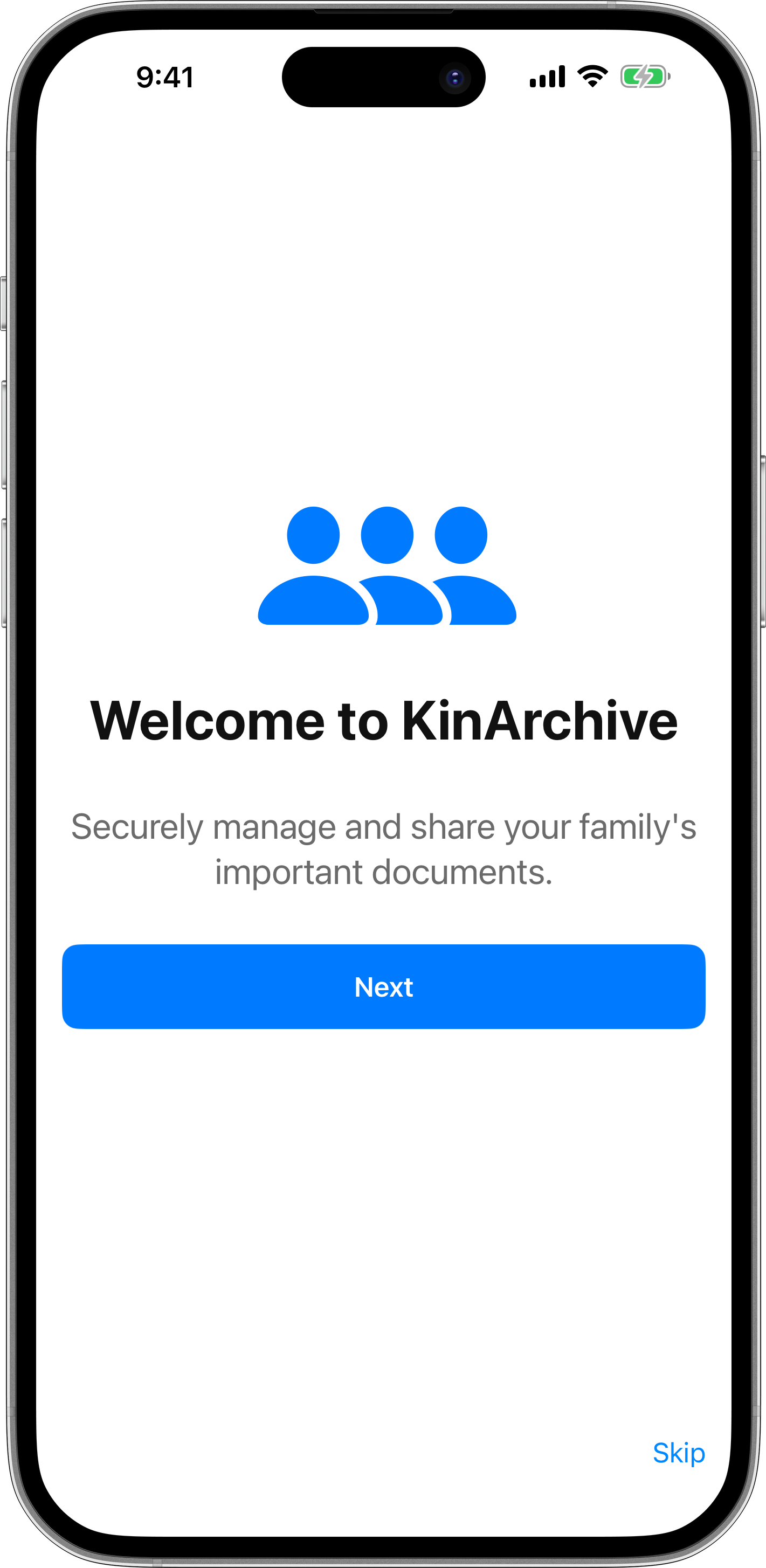
Your Documents, Secured
Unlike generic cloud storage, KinArchive provides specialized security for sensitive family documents. Face ID protection, iCloud encryption, and granular sharing controls ensure your documents are safe and accessible only to authorized family members.
Face ID Protected
Biometric authentication for access
iCloud Encrypted
Documents secure in Apple's ecosystem
Granular Sharing
Control who sees what documents
Powerful Features for Family Document Management
Everything you need to organize, secure, and share your family's important documents
Biometric Security
Protect your sensitive documents with Face ID authentication and secure iCloud Keychain integration. Your documents are safe from unauthorized access.
Family Sharing
Share specific documents with family members using granular permission controls. Set view-only, edit, or manage access with temporary expiration dates.
Smart Organization
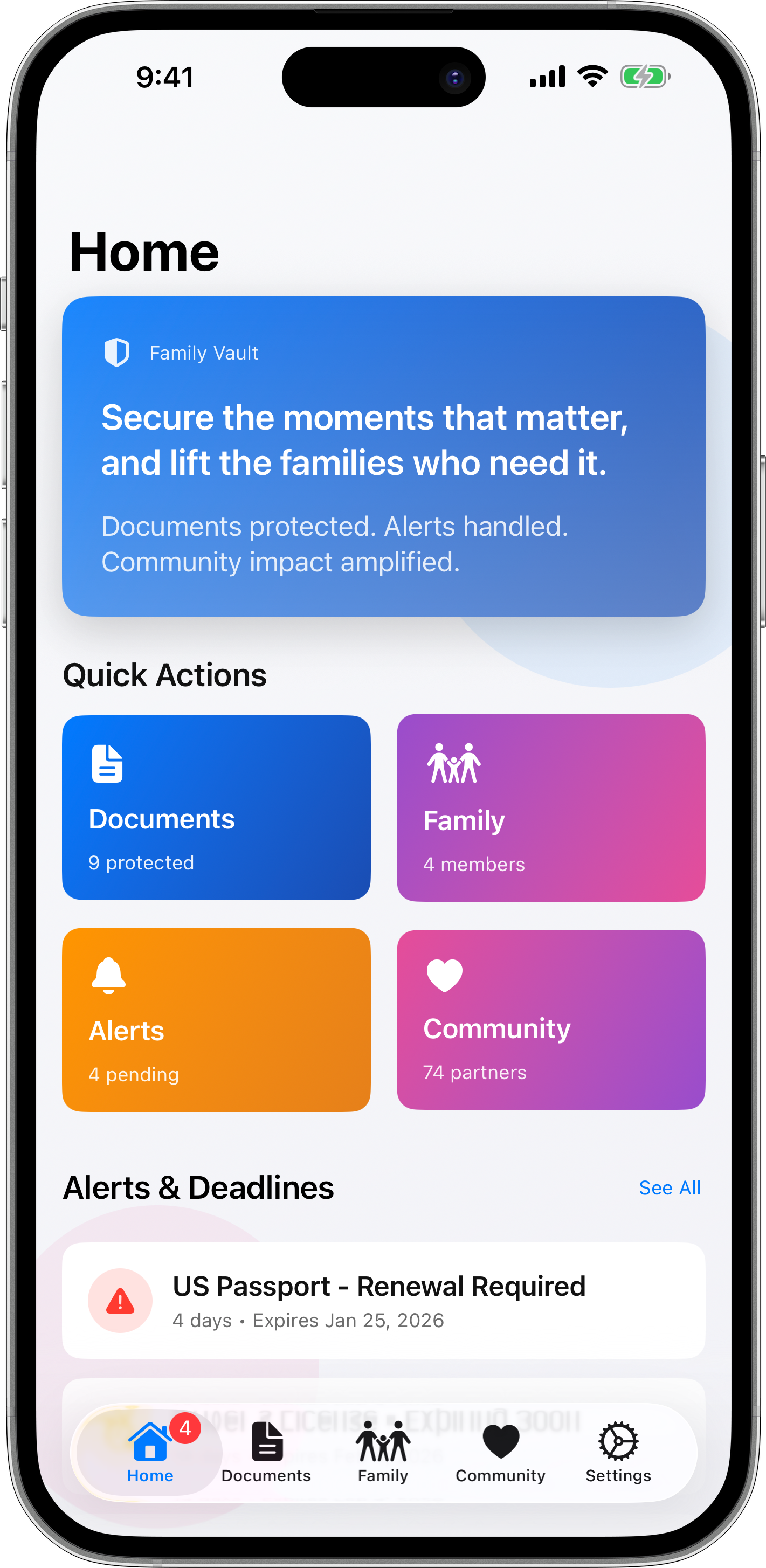
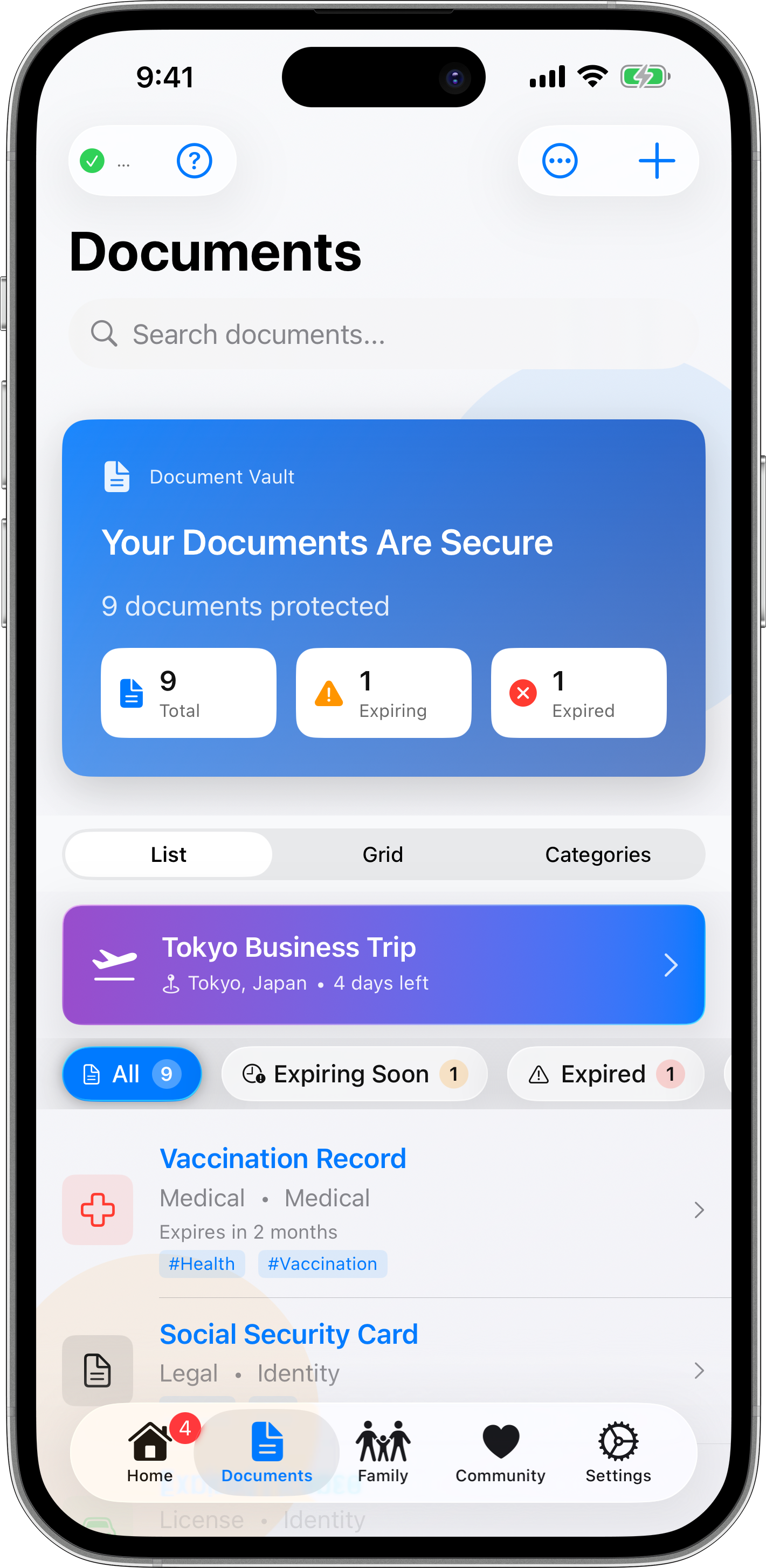
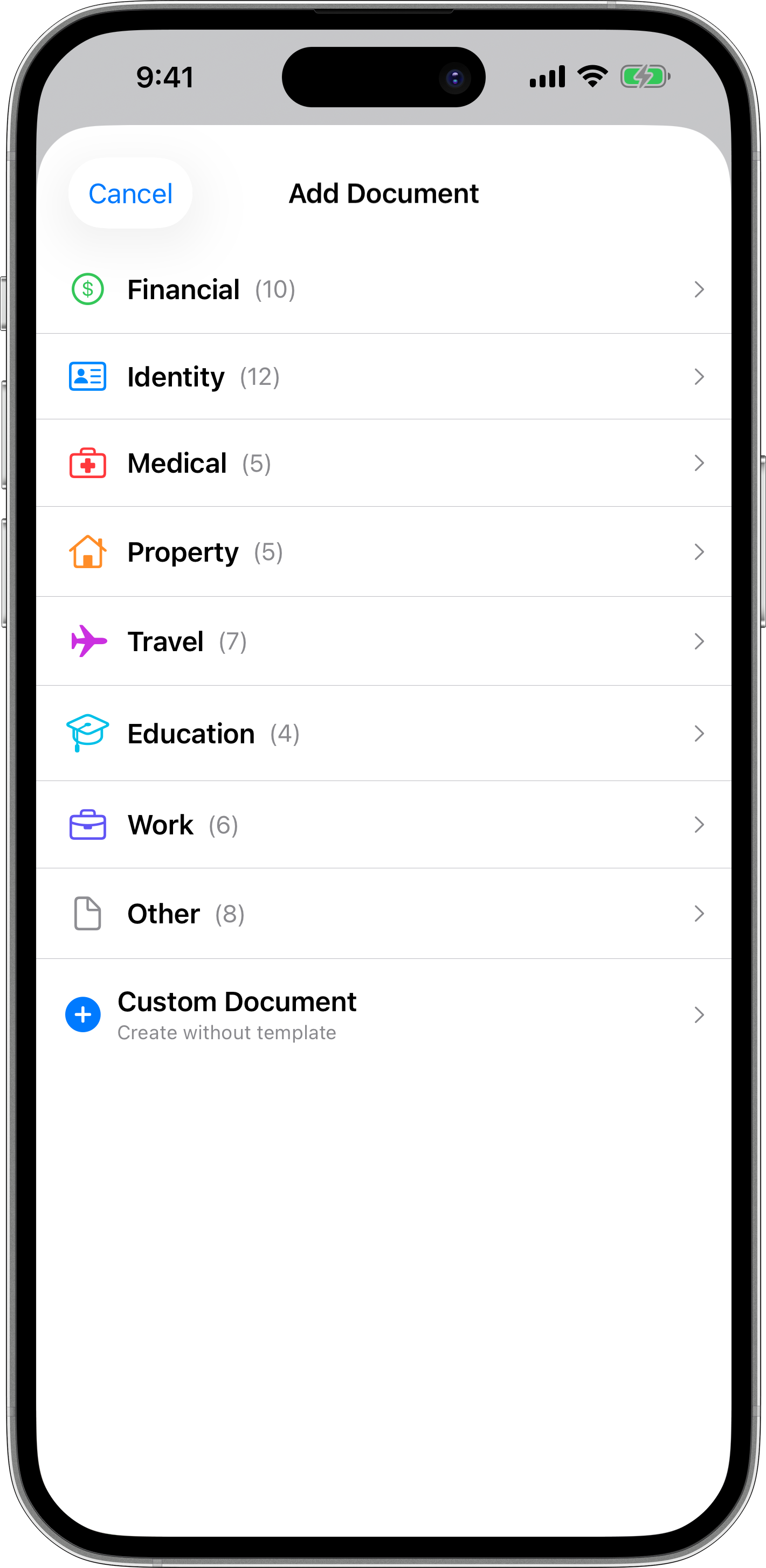
Organize documents with templates, custom fields, tags, and categories. Switch between list, grid, and category views for optimal browsing.
Expiration Alerts
Never miss important renewals. Get notifications when passports, licenses, insurance policies, or other documents are about to expire.
Advanced Search
Find documents instantly with powerful search and filtering. Search by type, category, tags, date range, or custom criteria.
Document Scanning & OCR
Scan multi-page documents with your camera and extract text automatically using advanced OCR technology (Premium feature).
Audit Logging
Track who accessed or modified documents with immutable audit trails. Perfect for compliance and family accountability (Premium feature).
iCloud Integration
Seamlessly sync your documents across all your Apple devices with CloudKit. Your data stays private and secure within Apple's ecosystem.
How KinArchive Compares
Specialized family document management for the Apple ecosystem
| Feature | KinArchive | iCloud Drive | Google Drive |
|---|---|---|---|
| Face ID Protection | |||
| Document Templates & Custom Fields | |||
| Granular Family Sharing | |||
| Expiration Alerts & Widget | |||
| Document OCR & Scanning | |||
| Audit Logging & Compliance |
See KinArchive in Action
Beautiful design meets powerful document management
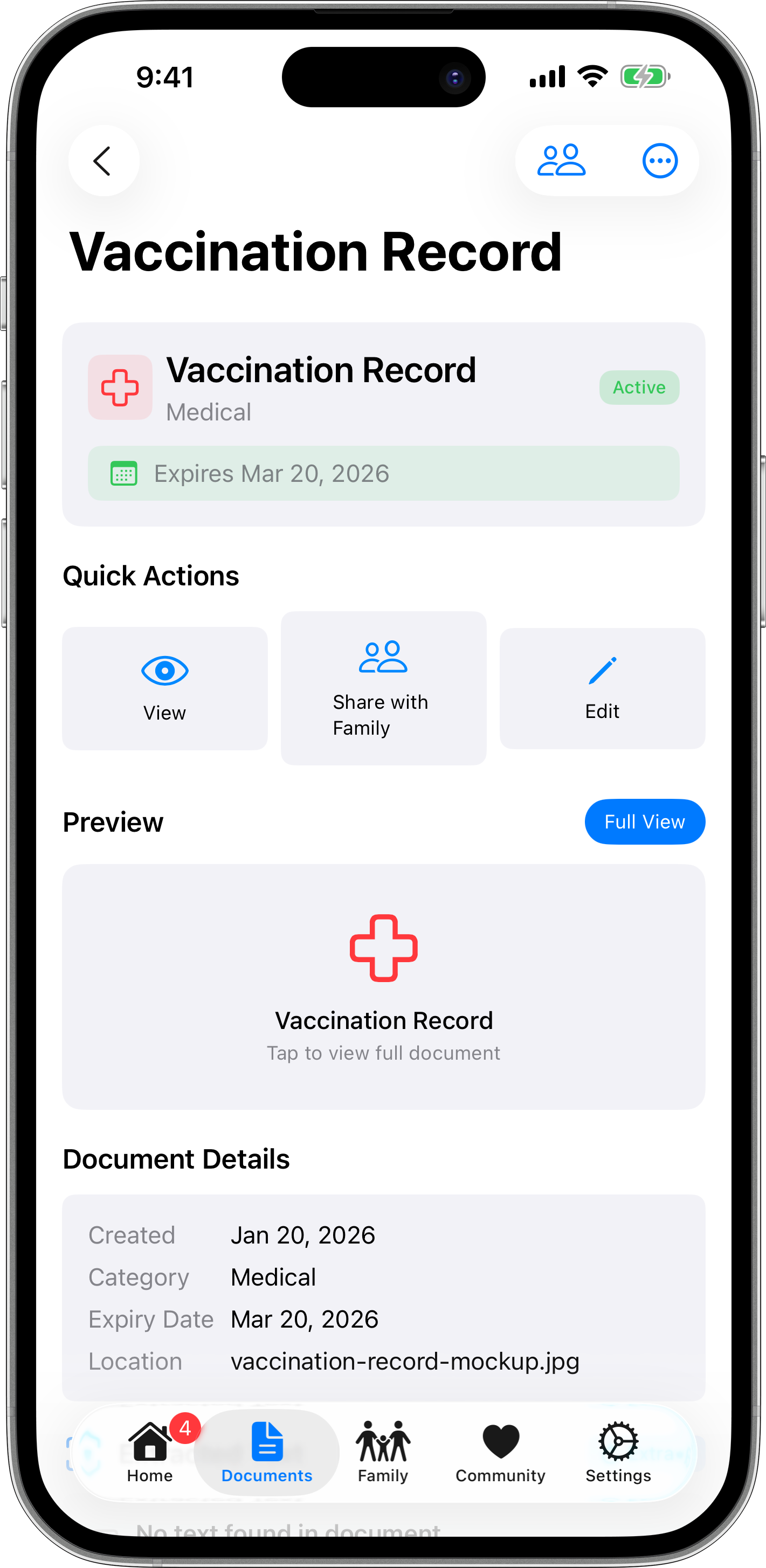
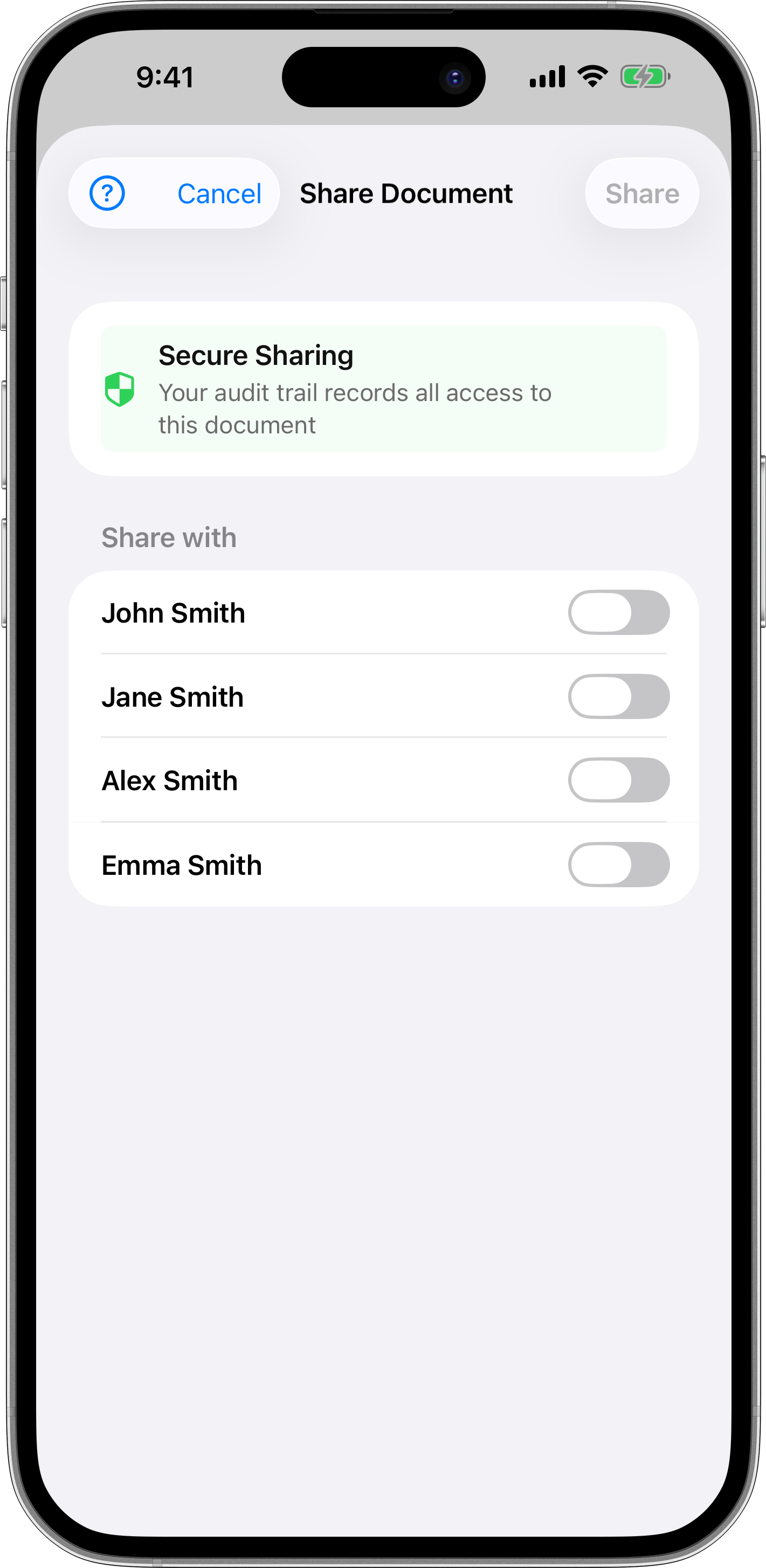
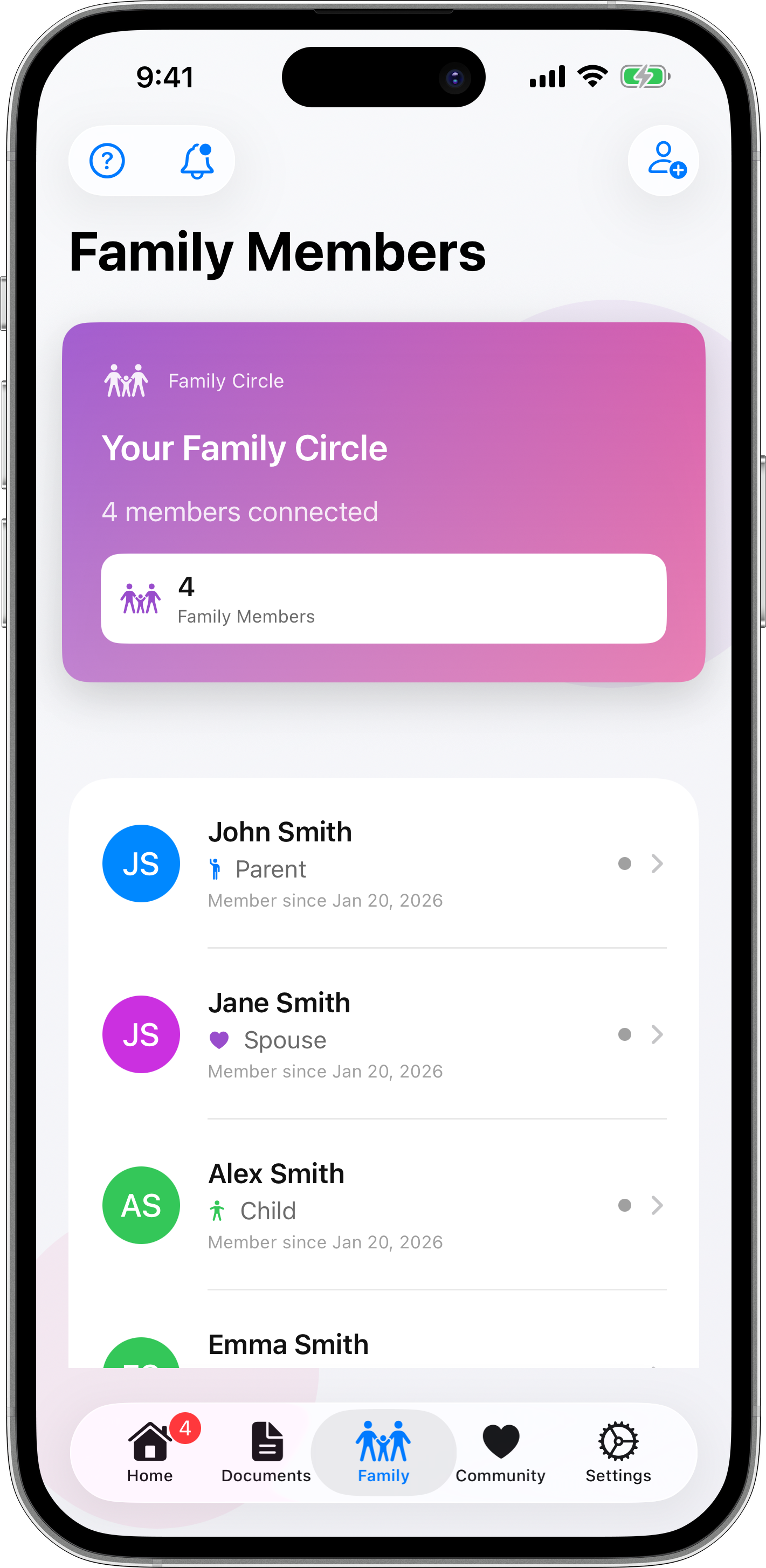
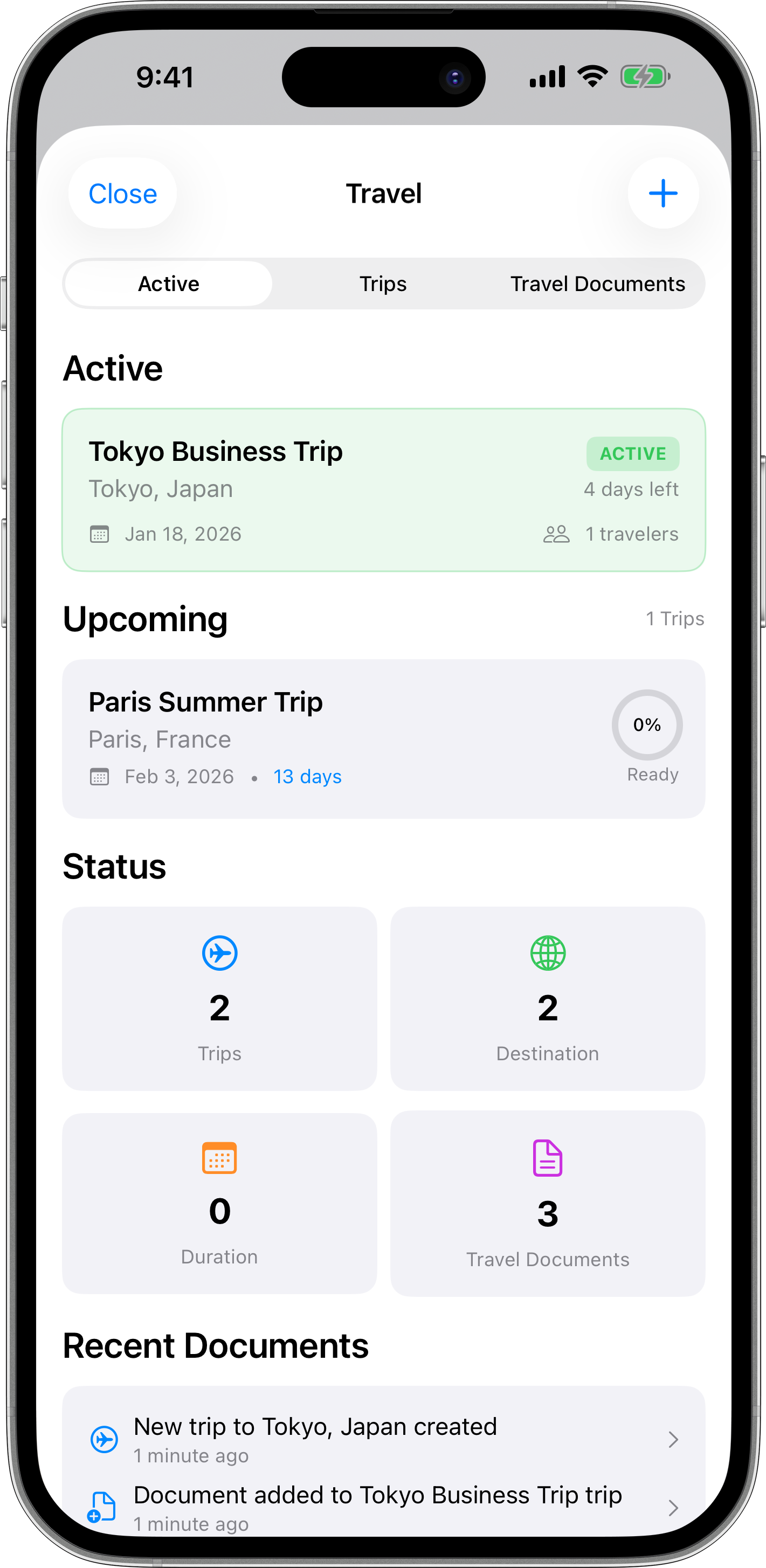
How It Works
Get started in 3 simple steps
Add Documents
Upload or scan your family's important documents using our secure camera integration and OCR technology
Organize & Share
Organize documents with templates and tags, then share with family members using granular permission controls
Stay Informed
Receive expiration alerts, track document access with audit logs, and keep your family documents up to date
What Families Say
Real feedback from families who trust KinArchive with their important documents
"Planning our family vacation was so much easier! I shared our passports and travel insurance with my spouse temporarily, and everything auto-expired after the trip. No more scattered documents or security worries."
"Managing my elderly parents' medical records and insurance became simple. I can share their documents with my siblings with view-only access, and track who accessed what for peace of mind."
"The expiration alerts are a lifesaver! Got notified 30 days before our kids' passports expired, and the widget on my home screen keeps me on top of insurance renewals. Never scrambling at the last minute anymore."
Flexible Pricing
Start free with essential features. Upgrade for unlimited documents and premium capabilities.
Free
- 5 documents maximum
- 2 family members
- Basic document templates
- iCloud sync & Face ID
- Expiration alerts
- Account required (Sign in with Apple)
Premium
- 50 documents
- 5 family members
- Advanced OCR (500 scans/year)
- Audit logs & compliance
- Premium templates
- Expiration widget
Family
- Unlimited documents
- Unlimited family members
- All premium features
- Unlimited OCR scans
- Priority support
- Best value for families
Professional
- Everything in Family
- Manage up to 5 vaults
- Client collaboration
- White-label sharing
- Compliance exports (PDF)
- Dedicated support
Frequently Asked Questions
Everything you need to know about KinArchive
Ready to Secure Your Family Documents?
Download KinArchive today and organize your family's important documents with security and peace of mind.
Requires iOS 17.0+ for optimal performance